
v0.2.3 · mac · windows · linux · android · GPL-3.0
Viamta Music Sync
Pick playlists visually and sync them from iTunes / Apple Music to your Android phone. Fast and free.
Visual iTunes/Apple Music to Android
What it does
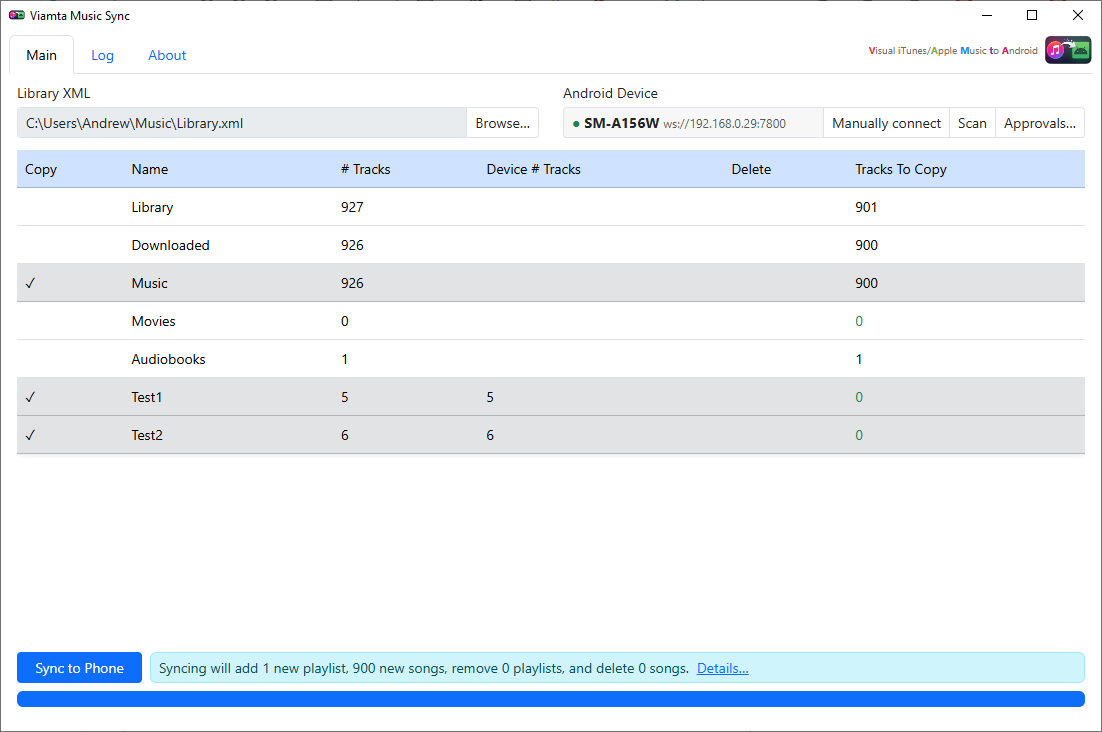
Pick playlists visually
Click a playlist row to choose what goes to the phone.
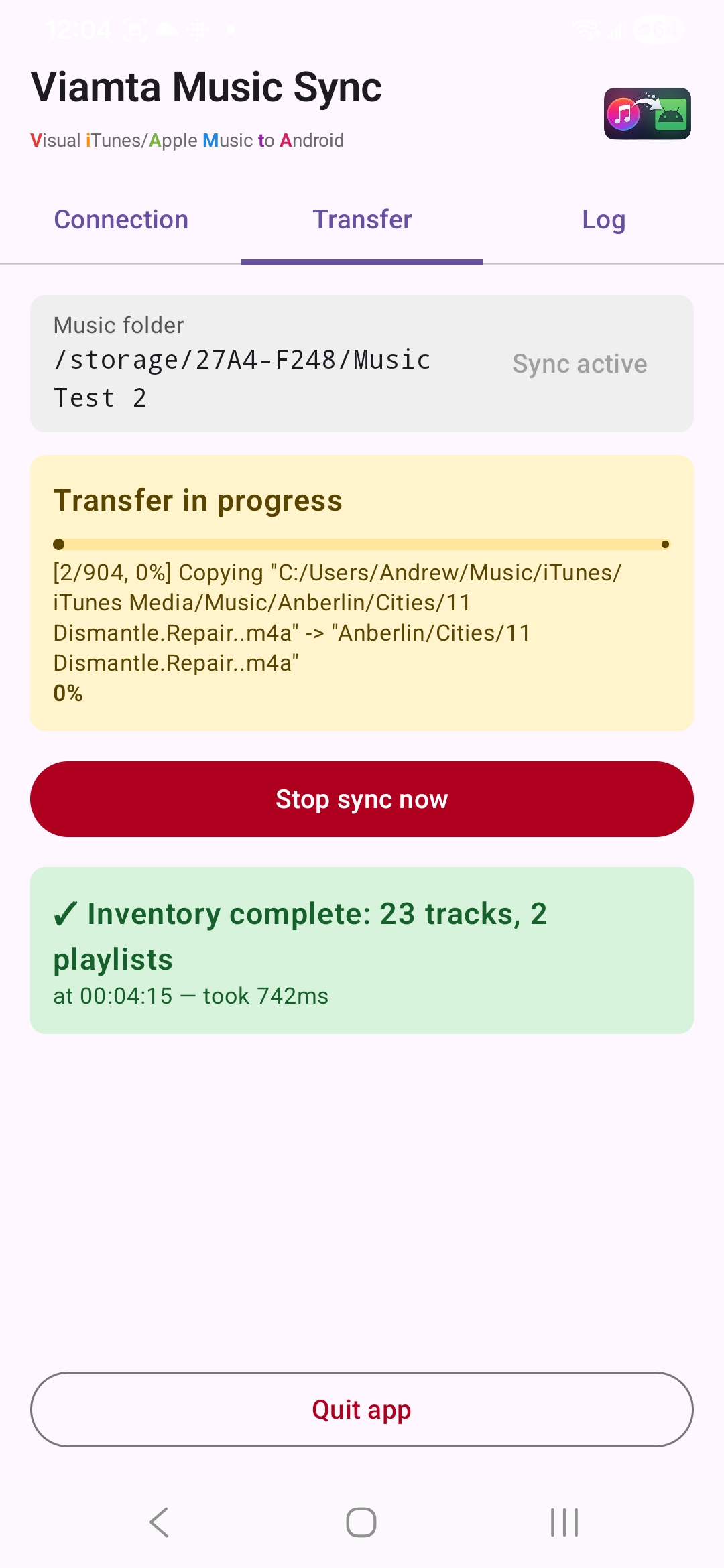
Copies only what's needed
The phone app scans your music first, so only missing tracks are sent.
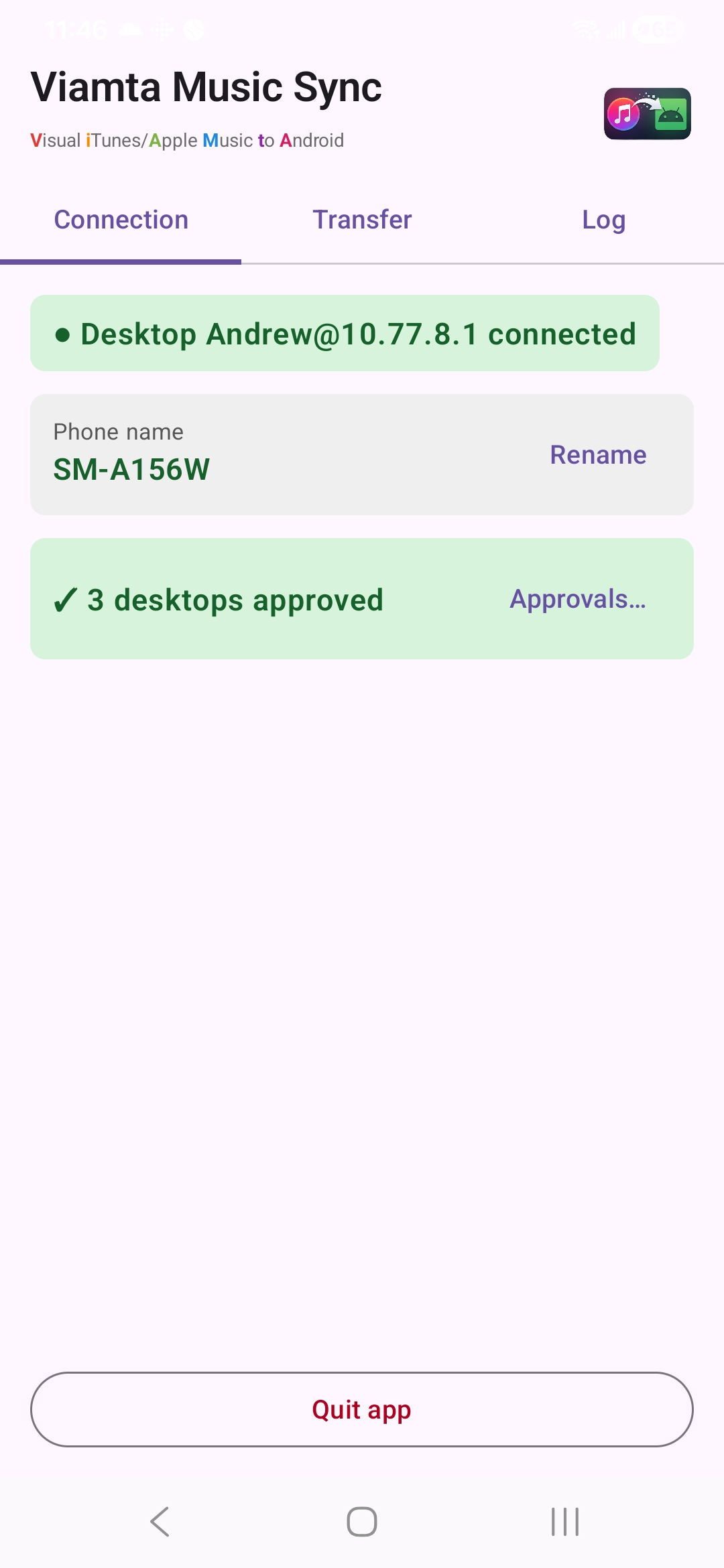
Finds your phone on Wi-Fi
Auto-detects on the same network, with manual connect as a fallback.
Never deletes by surprise
Nothing is removed from the phone unless you tick Delete and confirm.
How it works
- 01Turn on Share Library XML in iTunes / Apple Music, or export the library manually.
- 02Open the desktop app and point it at the XML file. It reloads when the file changes.
- 03Install the Android app and choose your music folder.
- 04Join the same network and allow the connection on the phone.
- 05Pick playlists and hit Sync Now.